We're excited to announce the launch of Supra One/BrokerBay, the new showing management platform for Columbus & Central Ohio Regional MLS subscribers. Here's a step-by-step guide to help you get ready.
Step 1: Claim Your Account
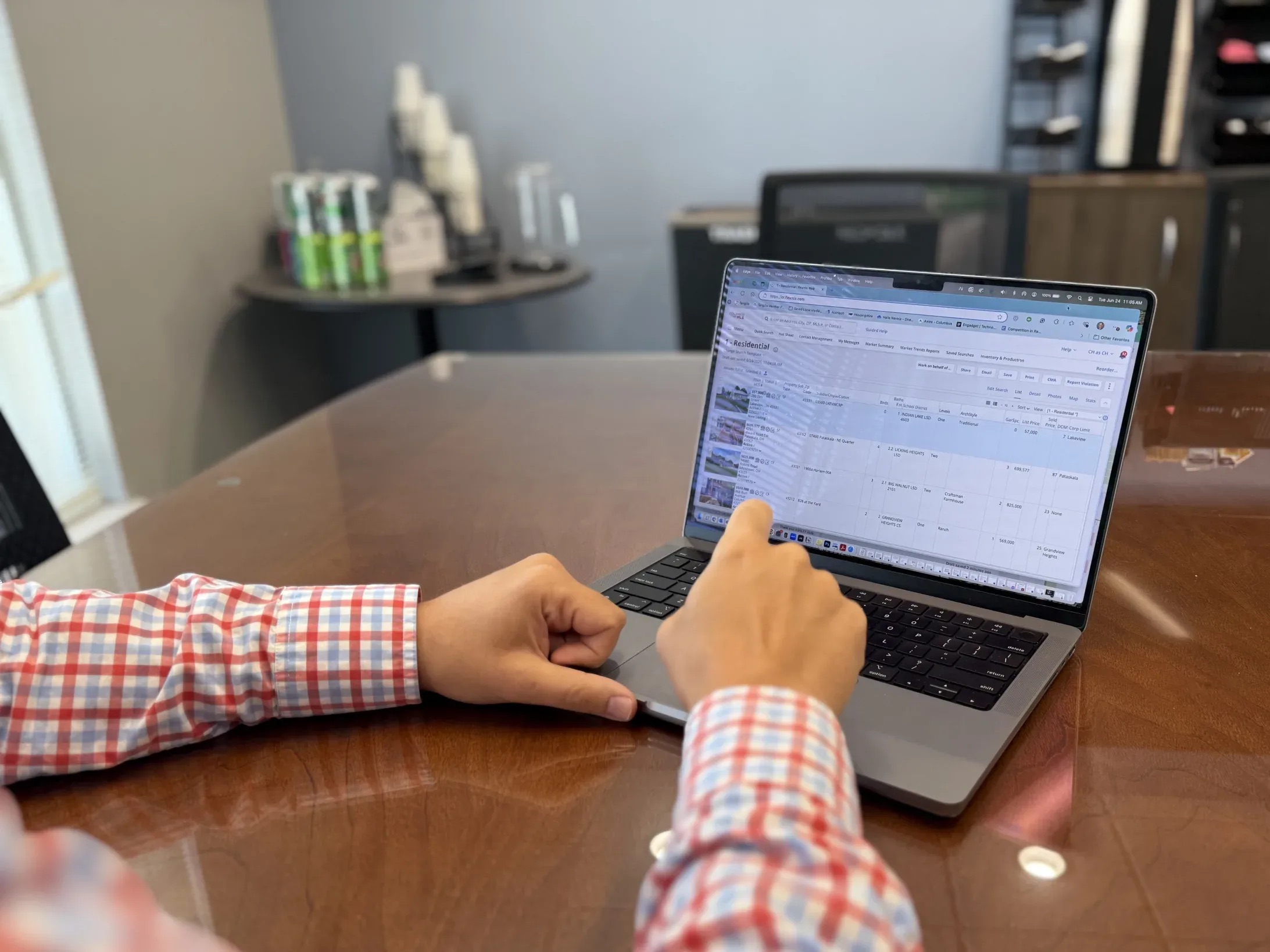
Claim your Supra One account by logging into the member portal (login required) then selecting FlexMLS. Once you are logged into the MLS, click Menu then select "BrokerBay" in the Products section of the MLS Menu.

Once you've claimed your account, be sure to:
- Configure your profile setup
- Set showing instructions for your active listings
- Get familiar with the Supra One platform
Step 2: Schedule a Training
Whether you're switching to Supra One/BrokerBay or not, we recommend attending a training session and claiming your login.
In-Person Training
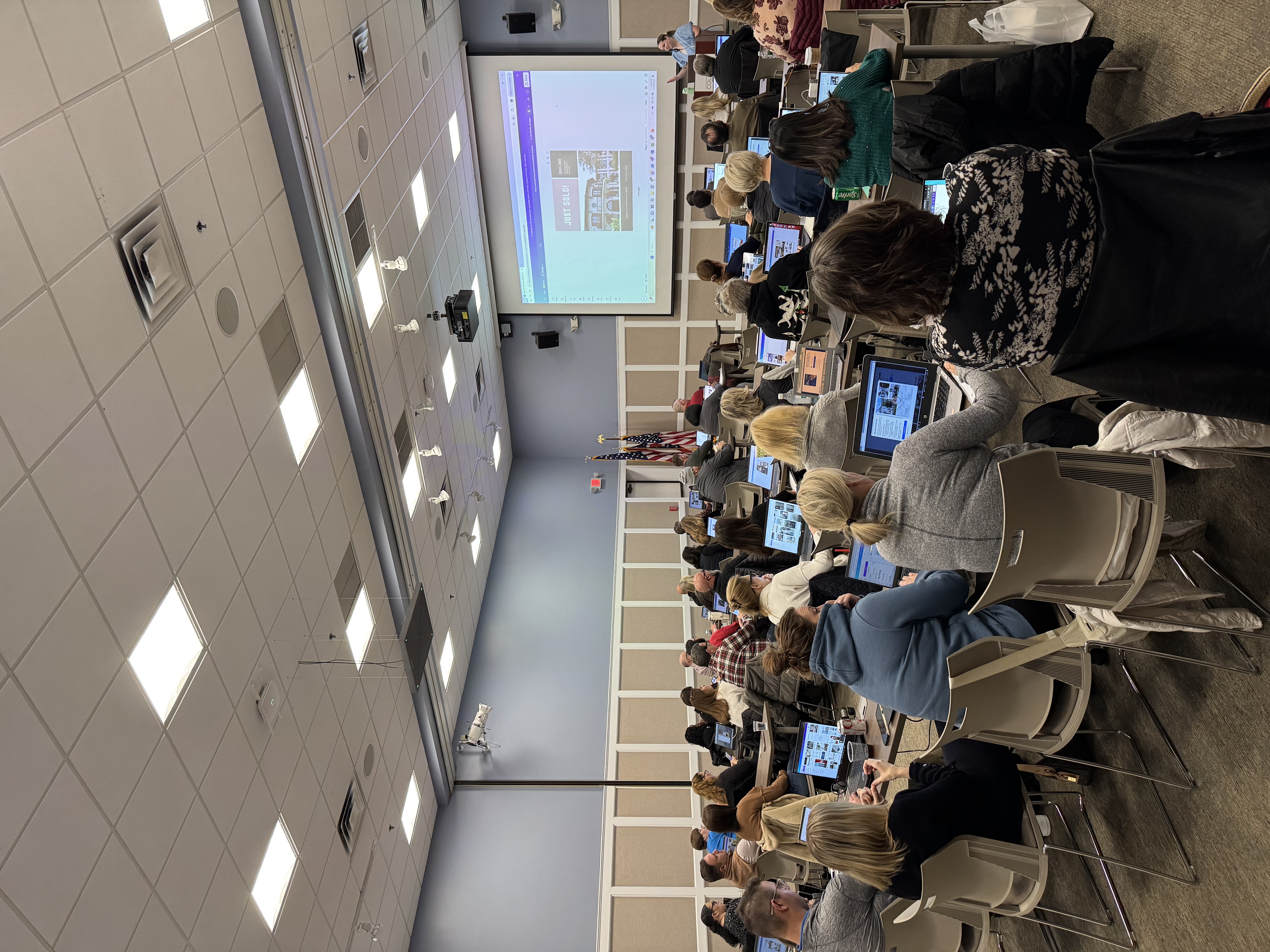
In-person sessions give you the chance to interact with Supra representatives, ask questions, and collaborate with peers. Snacks and beverages will be provided at all in-person sessions.
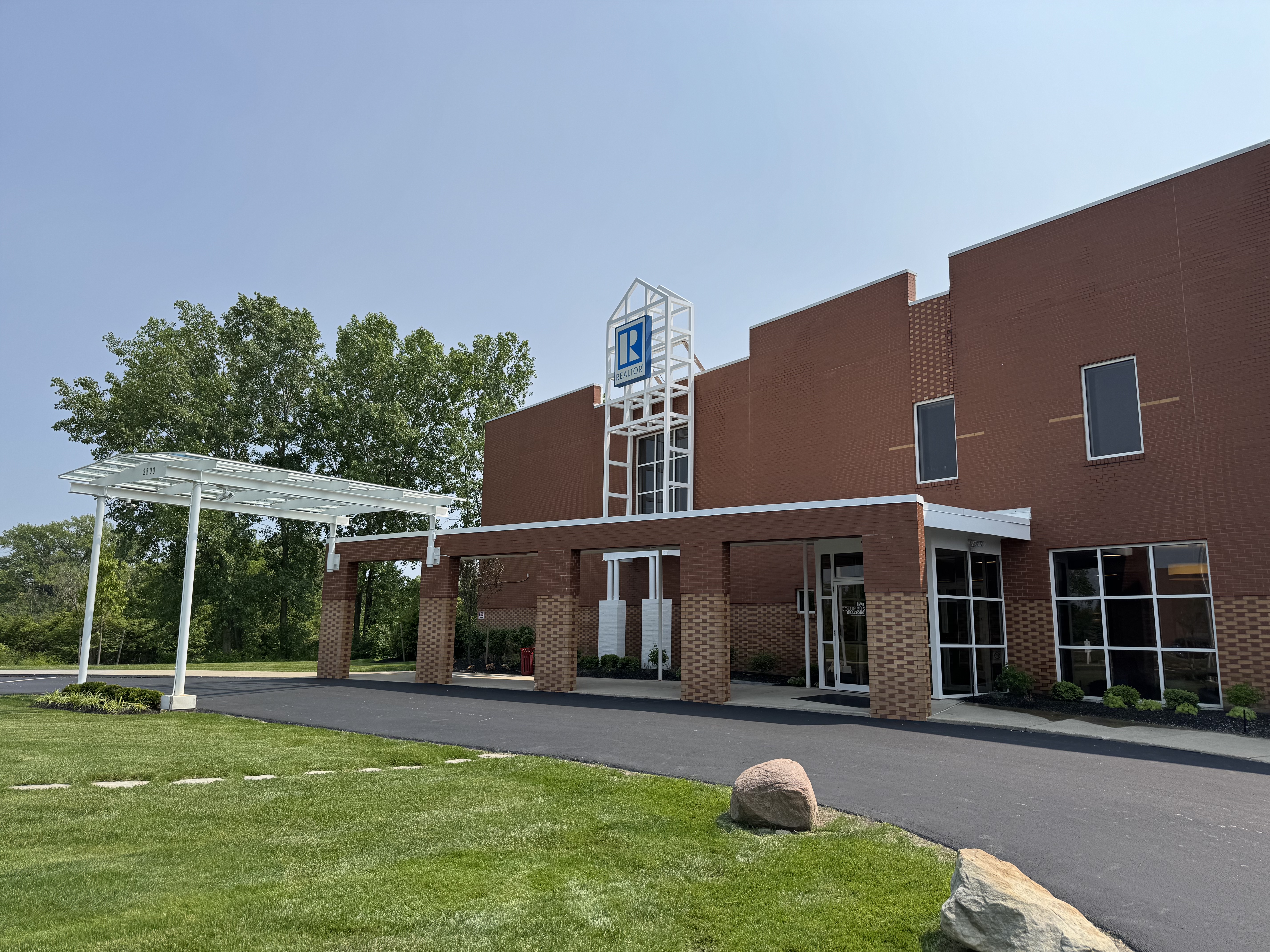
Columbus REALTORS® Classroom 2700 Airport Drive, Columbus, OH 43219
Ohioan Hotel & Event Center, NorthPointe Ballroom 100 Green Meadows Dr S, Lewis Center, OH 43035
Live closer to Delaware County? The Ohioan Hotel & Event Center (Formerly Nationwide Events Center) sessions are a great option.
Virtual Training
Prefer to join remotely? Two virtual training sessions are also available, and more will be offered in the future:
Even if you don't plan on switching to Supra One/BrokerBay, we recommend attending a training session and claiming your login.